

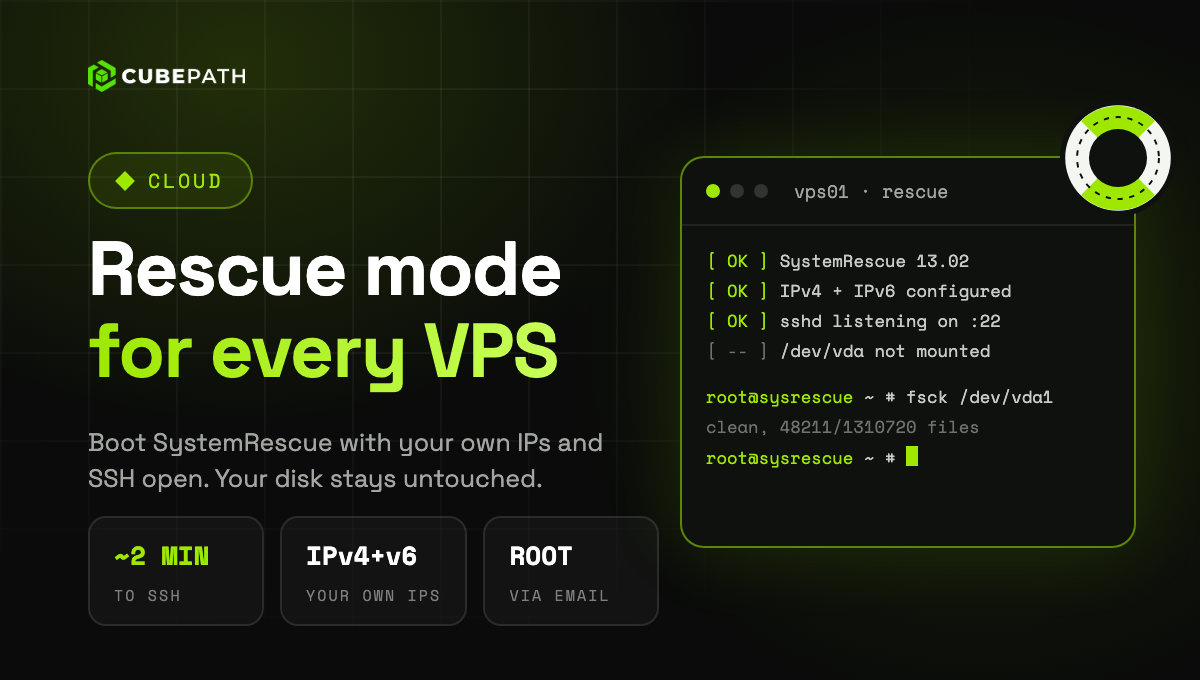
Rescue mode is now available on every VPS: boot the server into a live system to repair it, with its own network already configured.
Start it from the VPS page under Server Management > Rescue mode. The VPS shuts down cleanly and boots SystemRescue 13.02 from a CD drive. Your disk is not modified and not mounted, so you decide what to touch. It works on Linux and Windows VPS and is reachable in about two minutes.
- Your own network: the rescue system comes up with the public IPv4 and IPv6 of the VPS, and its private network if it has one, with SSH open. A restart from the panel applies the network again automatically. The rest of the protections stay in place, including the IP filtering of the VPS.
- Temporary root password, generated for each rescue and sent by email to your organization, never shown in the panel. You can add SSH keys too. For a new password, exit rescue mode and enter it again.
- On until you exit it. Rescue mode stays on, with the web console available, until you exit it from the panel. The VPS then boots back from its own disk with its original boot order.
Open a VPS in the dashboard and choose Rescue mode.