

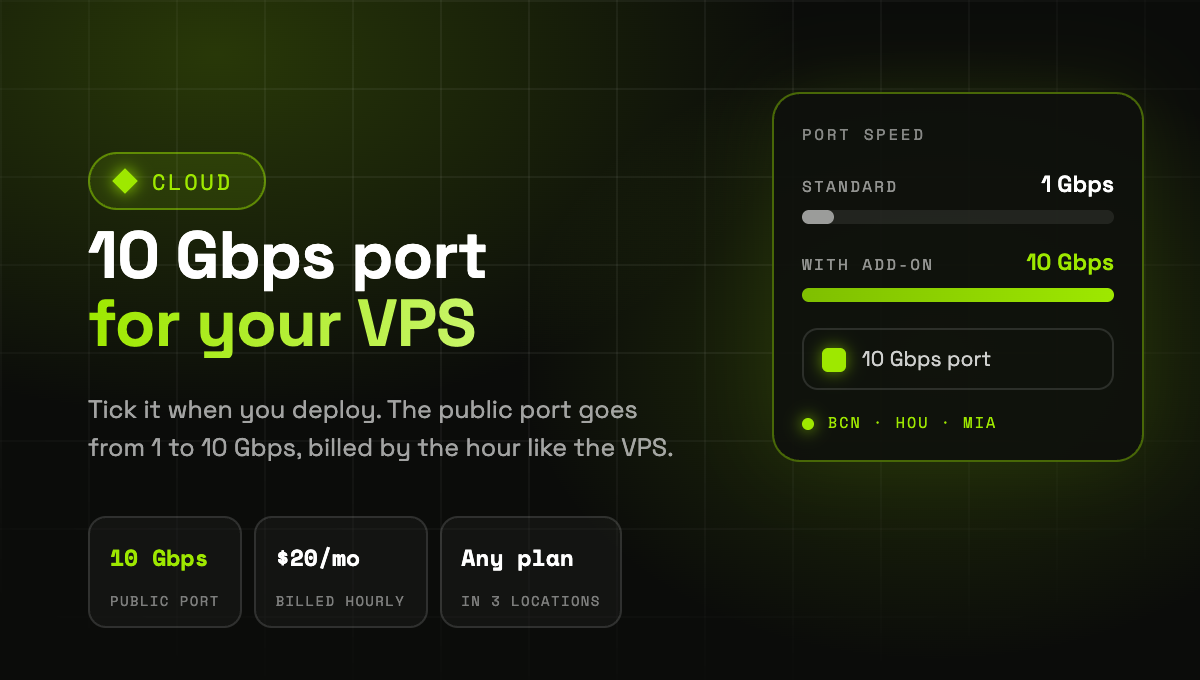
Your VPS can now run on a 10 Gbps port. Pick the add-on when you deploy and the public port of the server goes from 1 to 10 Gbps, for $20 per month billed by the hour like the VPS itself.
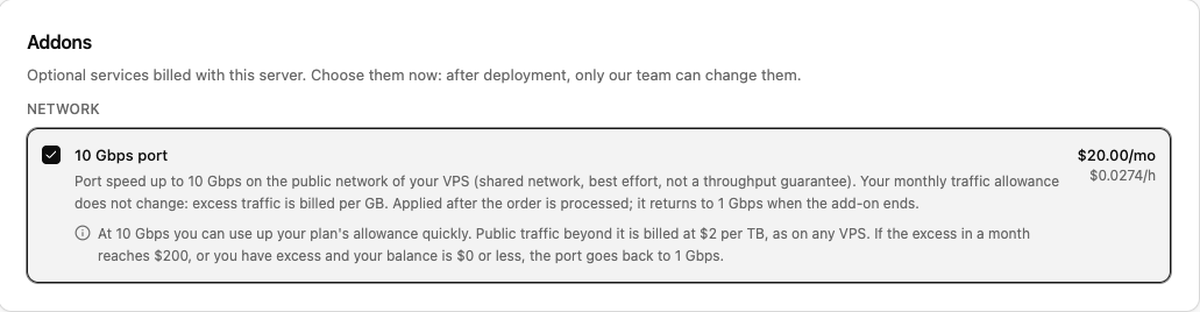
- Where: Barcelona, Houston and Miami, on any VPS plan in a project billed by the hour.
- How to get it: when you deploy a VPS, open Advanced Settings and tick the 10 Gbps port under Addons. From the terminal, use
cubecli vps create --addon vps-port-10g(cubecli 1.19.0 or later), or theaddonsfield of the API. - On a VPS you already have: ask our team. The speed goes up with no downtime, and a restart from the panel finishes the setup.
- Your traffic allowance stays the same: public traffic beyond your plan's allowance is billed at $2 per TB, as on any VPS. If the excess in a month reaches $200, or you have excess and your balance is $0 or less, the port goes back to 1 Gbps.
The port runs on our shared network, best effort, with no throughput guarantee. The add-on is available once your organization has made a payment and is 7 days old.