
CubePath
Changelog

CubePath ChangelogReleases

New features, improvements, and fixes across the CubePath platform.

November 2026

Cloud

Prometheus exporter for Managed Kubernetes
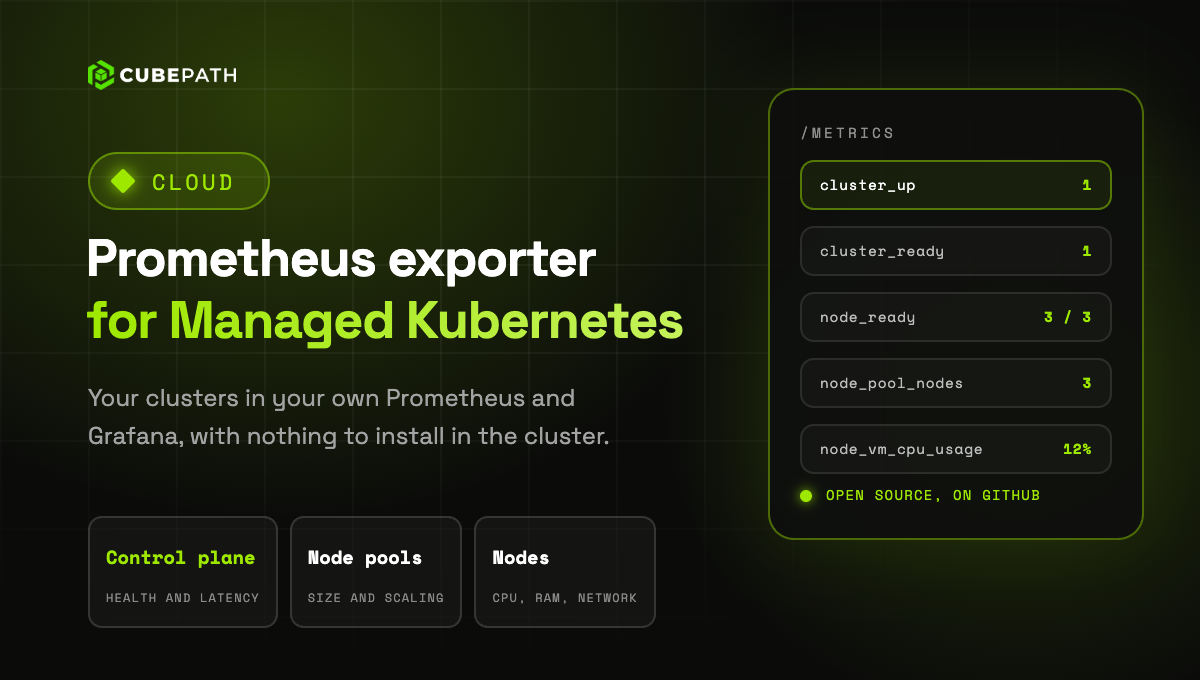
You can now monitor your Managed Kubernetes clusters from your own Prometheus. The new open source exporter gives you the control plane, the node pools and every node of your clusters, with nothing to install inside them.

  • Control plane: whether the API server is up and ready, its latency and when its certificates expire.
  • Node pools: current, desired, minimum and maximum nodes, and autoscaling.
  • Nodes: ready state and conditions, plus CPU, memory, disk activity and network of each one.
  • Ready to use: a Grafana dashboard and alerting rules are included.

Run it with Docker or as a binary, with an API token that can read your clusters. Because it does not run inside the cluster, it keeps reporting when the cluster is in trouble.
→ Get the exporter on GitHub

Read more: Prometheus exporter for Managed Kubernetes
Platform

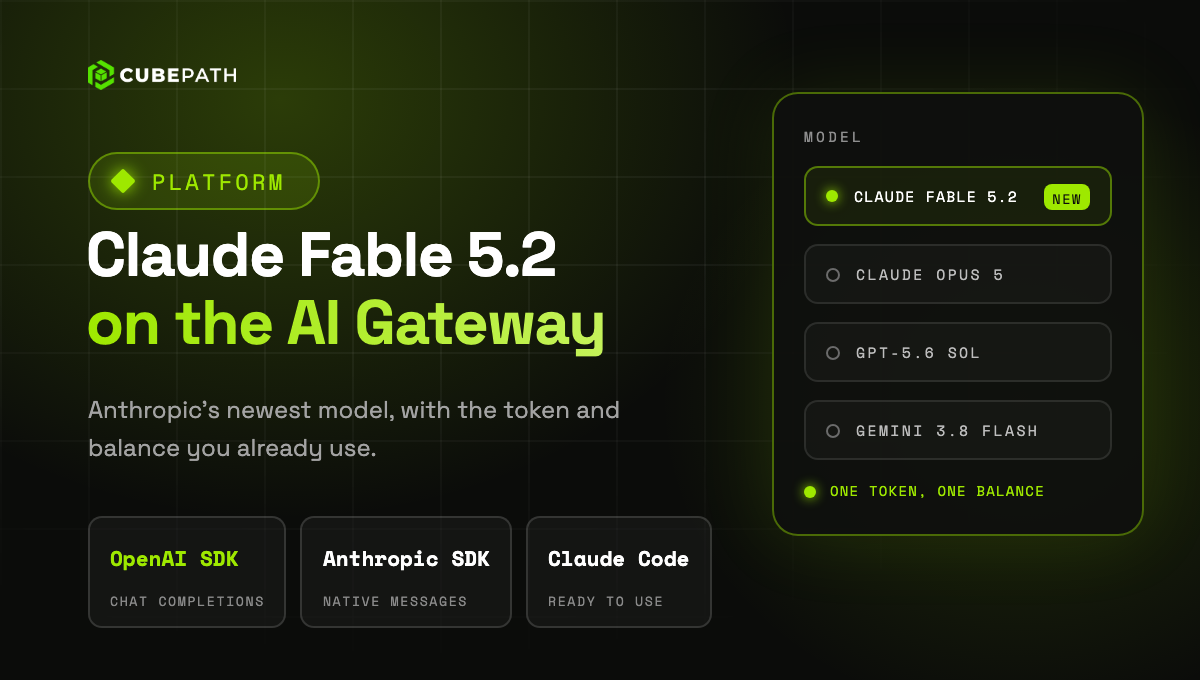
Claude Fable 5.2 on the AI Gateway

Claude Fable 5.2, Anthropic's newest model, is now available on the CubePath AI Gateway. It is built for demanding reasoning and long agent sessions, and you use it with the same token and balance as every other model on the gateway.

Use anthropic/claude-fable-5-2 with the OpenAI SDK, or claude-fable-5-2 with the Anthropic SDK and Claude Code. The model decides how much to think on each request, and the reasoning effort sets how deep it goes. Prompt caching and tools work as usual.

→ Read the AI Gateway guide

Read more: Claude Fable 5.2 on the AI Gateway
Platform

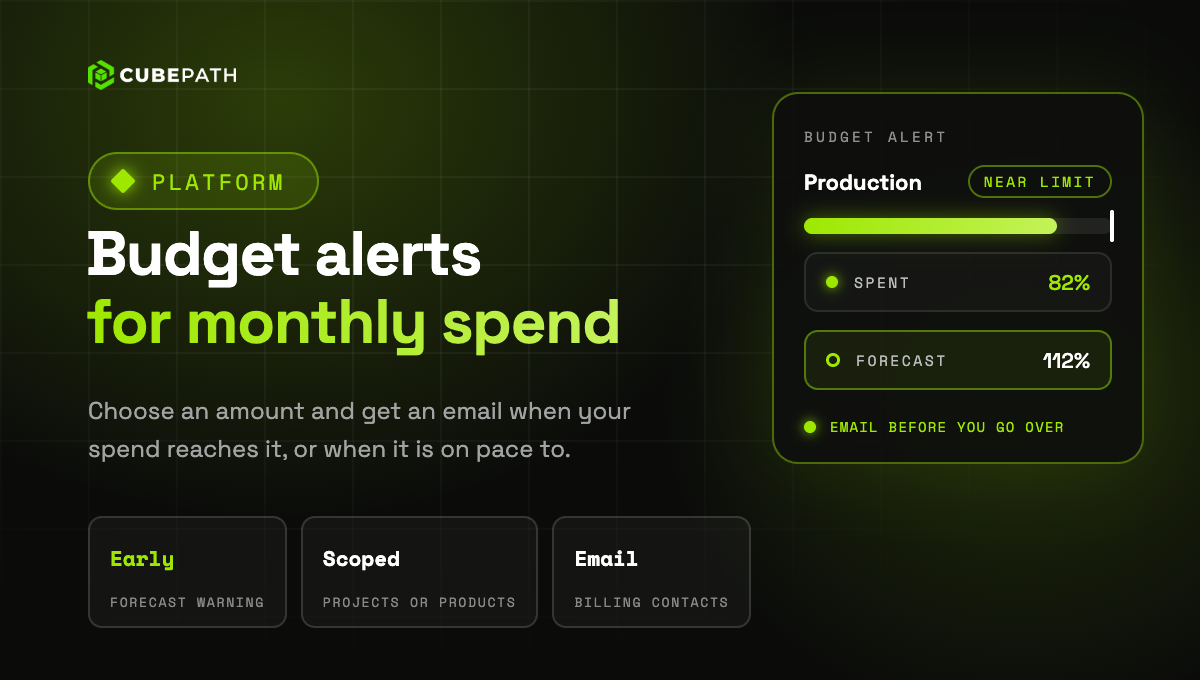
Budget alerts for your monthly spend

Budget alerts email you when your monthly spend reaches an amount you choose. Create one in Billing > Budget alerts, or straight from Usage Logs, and see how far along you are this month.

  • Your whole organization or part of it: watch all your spend, or only some projects or products.
  • Early warning: if at the current pace you will go over the amount before the month ends, you get an email before it happens. You can turn it off for each alert.
  • Several amounts, several alerts: for a warning at more than one amount, create one alert for each.
  • It never stops anything: an alert only notifies, your servers keep running.

The emails go to your organization's billing contacts. The spend counts your usage, AI Gateway and your subscriptions, day by day, including usage covered by credit.

→ Create a budget alert

Read more: Budget alerts for your monthly spend
Security

Sign in with a passkey

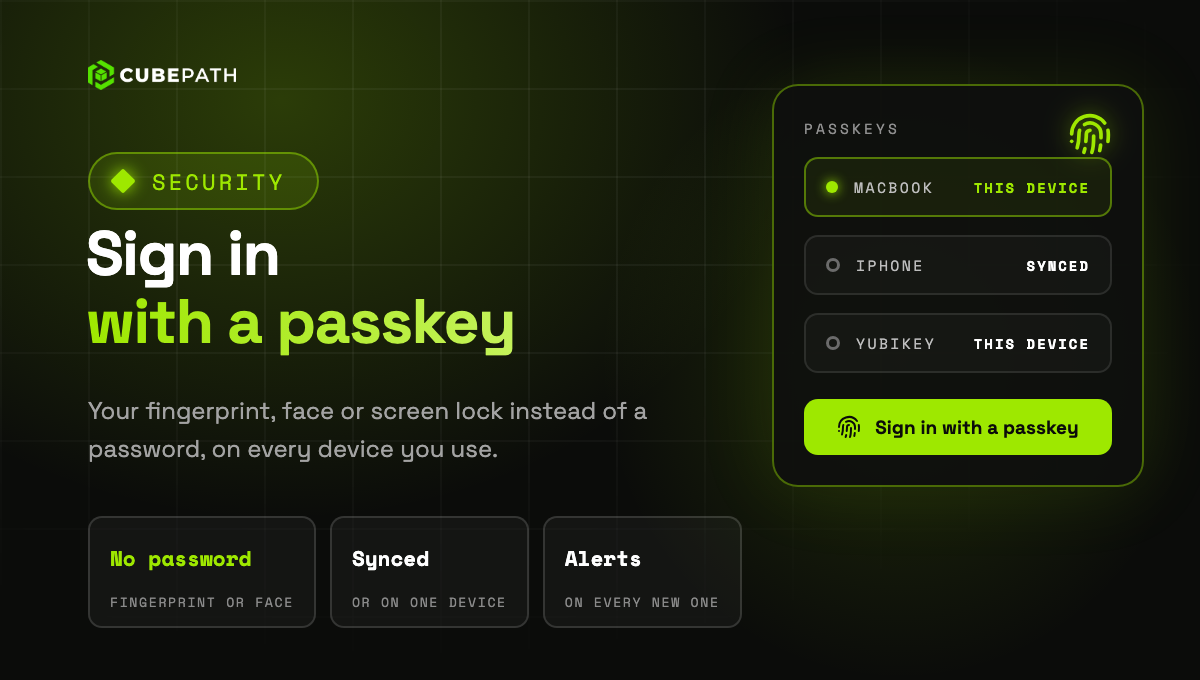
You can now sign in to CubePath with a passkey. A passkey takes the place of your password: you sign in with your fingerprint, your face or your device's screen lock. It only works on the CubePath panel, so a fake sign in page cannot steal it.

  • Add one in Account > Security: confirm it is you, and your device or password manager creates it. Give each passkey a name so you recognise it later.
  • Sign in in one step: on the sign in page, click Sign in with a passkey or pick it from the suggestions of the email field.
  • Synced or on one device: a passkey can sync through your Apple or Google account or your password manager, or stay on a single device. The list shows which is which and when each one was last used.
  • An email for every new passkey: if one is added that you do not recognise, the link in that email removes it and signs out every session.

A passkey is enough on its own: signing in with one does not ask for your authenticator code. Your password, Google, GitHub and SSO keep working as before.

→ Add a passkey

Read more: Sign in with a passkey
Platform

Dates and times in your time zone

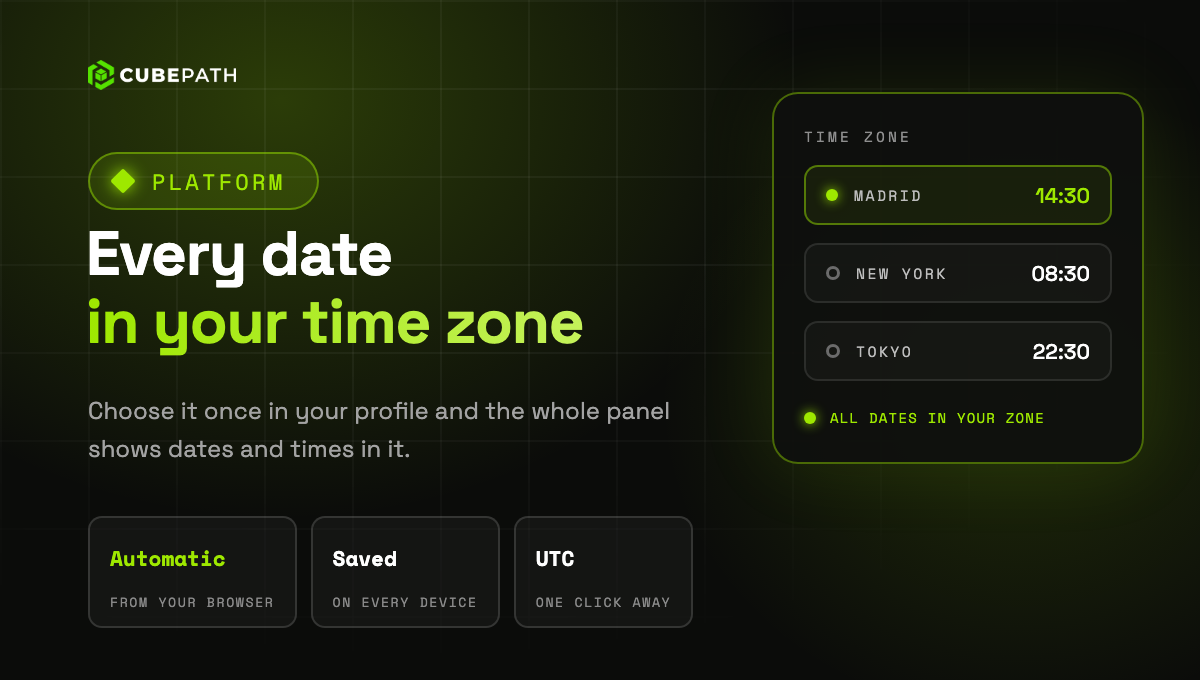
Dates and times in the panel now follow your time zone. Choose it once in your profile and the whole panel shows them in it: activity, tickets, servers, backups, DDoS attacks, charts and everywhere else a date appears.

  • Automatic by default: until you choose one, the panel uses the time zone of your browser.
  • The same on every device: the zone you choose is saved in your account, so your laptop, your phone and any other computer show the same times.
  • UTC one click away: in the activity log, tickets and invoices, click the zone next to a date to see it in UTC.
  • Billing stays in UTC: invoices, billing periods and daily charts are calculated in UTC, and the panel says so next to them.

Search the list by city or zone. Each one shows its current time, so you can spot yours at a glance.

→ Open your profile

Read more: Dates and times in your time zone
Cloud

MySQL 9.7 and PostgreSQL 18 for managed databases

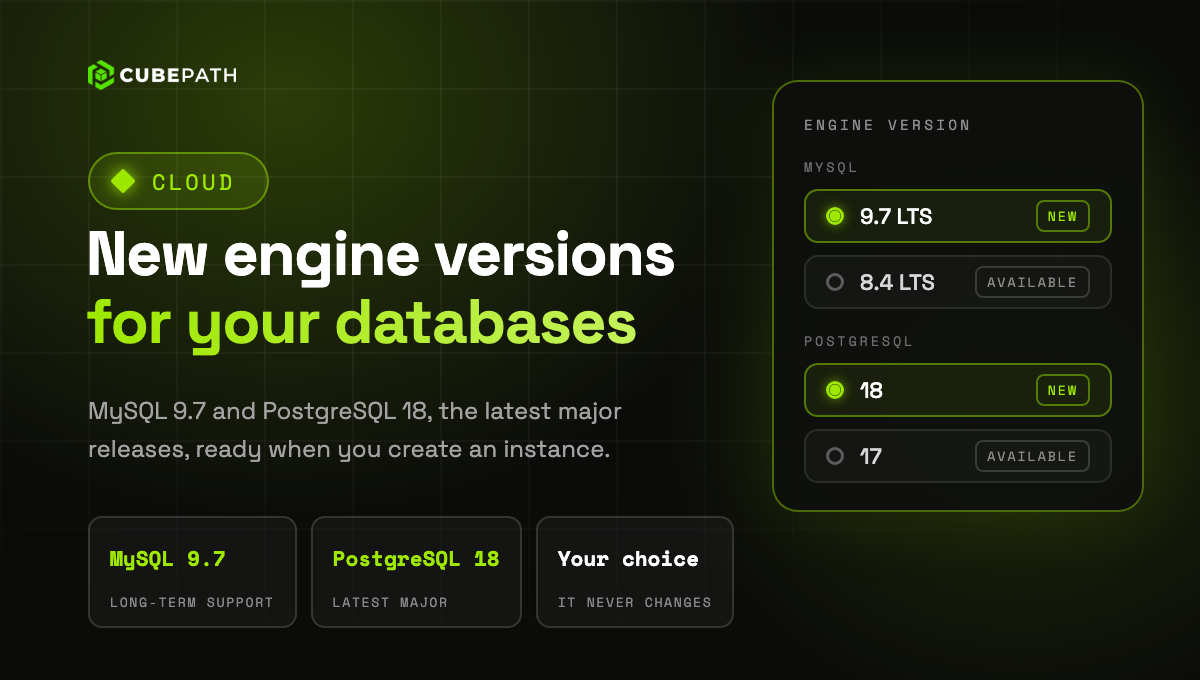
MySQL 9.7 and PostgreSQL 18 are now available for managed databases: choose them when you create an instance, next to MySQL 8.4 and PostgreSQL 17. They are the latest major versions of each engine, and MySQL 9.7 is a long-term support release.

The newest version comes preselected in the panel, and everything works the same on every version: one node or three with automatic failover, backups with point-in-time restore, and automatic minor updates and security patches.

The version you choose stays: an instance never moves to another major version on its own, and a restore keeps the version of the original. Your existing databases are not affected.

→ Create a managed database

Read more: MySQL 9.7 and PostgreSQL 18 for managed databases
Cloud

Automatic updates for managed databases

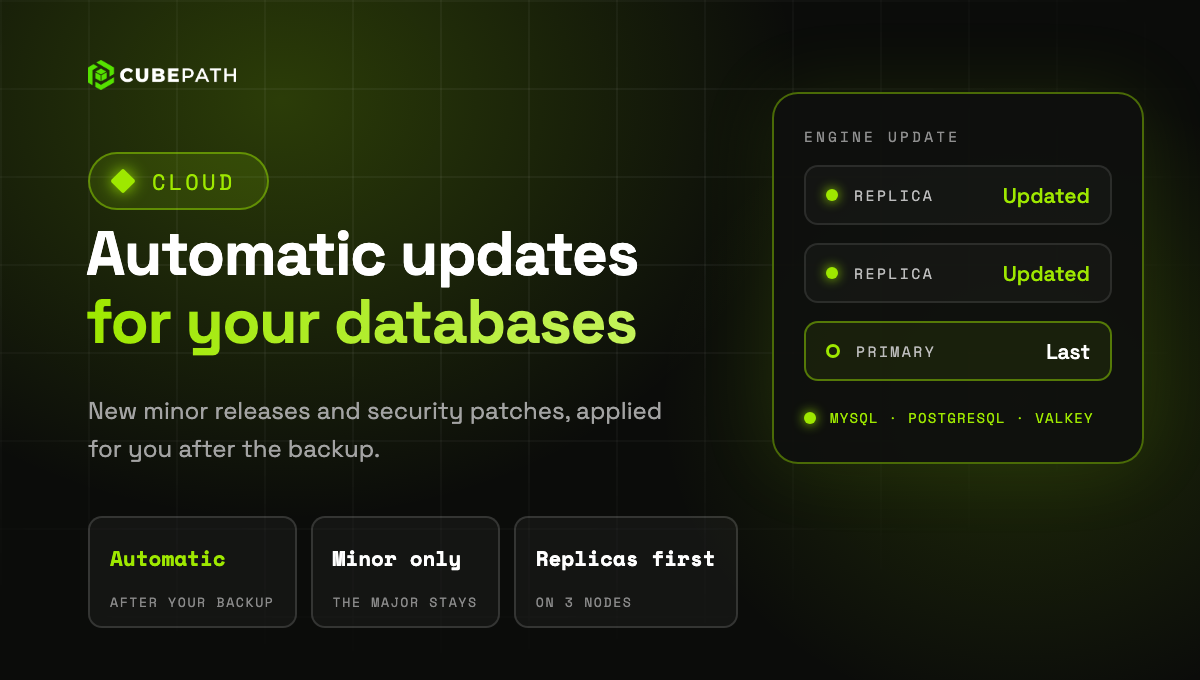
Managed databases now update themselves. Each instance receives the new minor releases and security patches of its engine, MySQL, PostgreSQL or Valkey, without you having to do anything.

Updates are applied after the instance's backup. A single node instance restarts briefly. On a 3 node cluster the replicas are updated first, one at a time, and the primary last, so the interruption is minimal. If there is nothing new, nothing is touched.

The major version never changes on its own, and the panel shows the exact version each node runs.

→ Open your managed databases

Read more: Automatic updates for managed databases
Cloud

CentOS Stream on your VPS

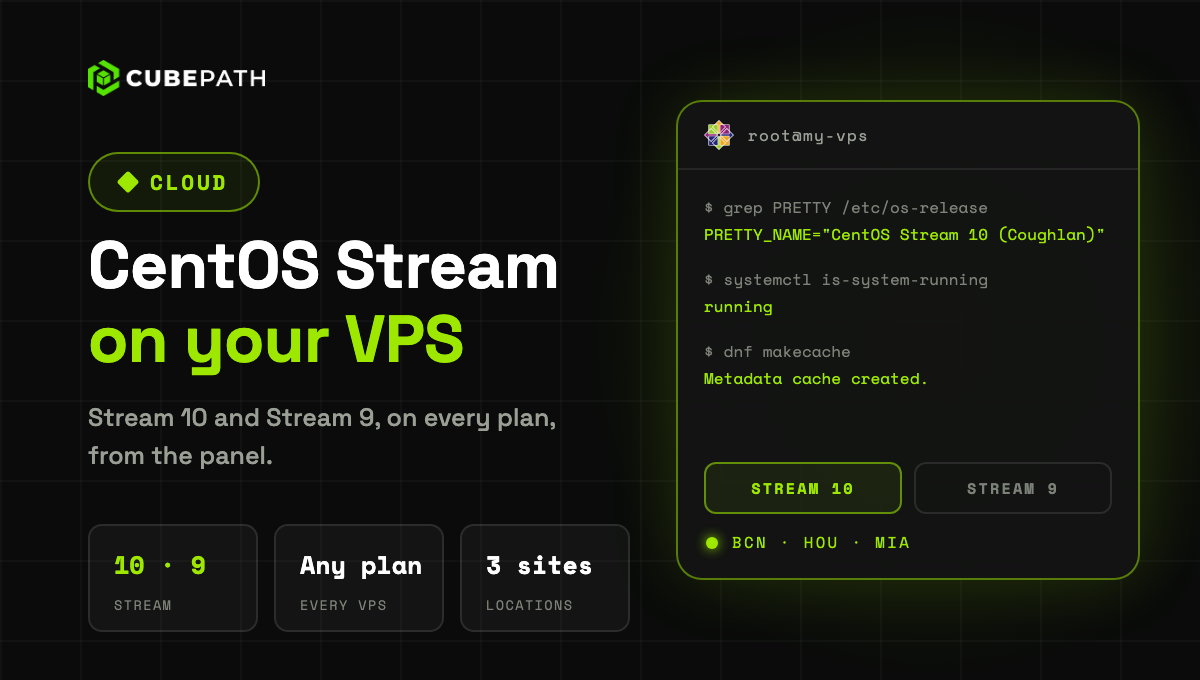
CentOS Stream 10 and CentOS Stream 9 are now available on every VPS, in Barcelona, Houston and Miami: choose them when you deploy a server or when you reinstall one, straight from the panel.

The server is ready on first boot: the disk is extended to your plan size, IPv4 and IPv6 are configured, and packages come from the CubePath mirror.

→ Deploy a CentOS Stream VPS

Read more: CentOS Stream on your VPS