

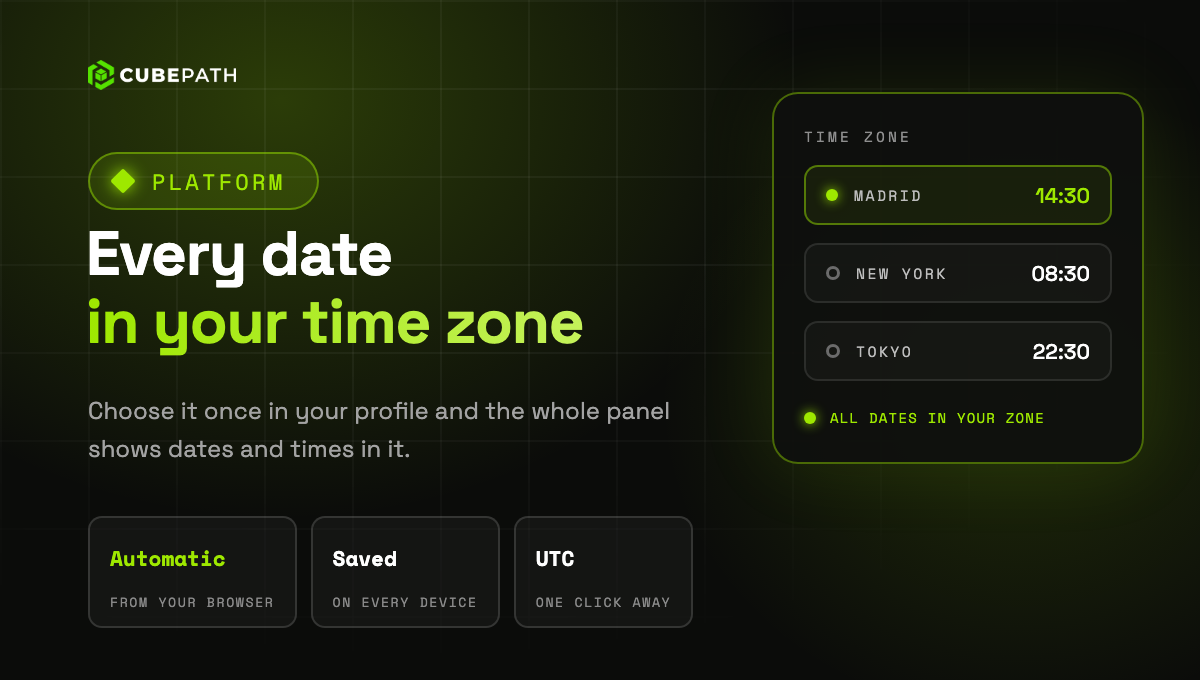
Dates and times in the panel now follow your time zone. Choose it once in your profile and the whole panel shows them in it: activity, tickets, servers, backups, DDoS attacks, charts and everywhere else a date appears.
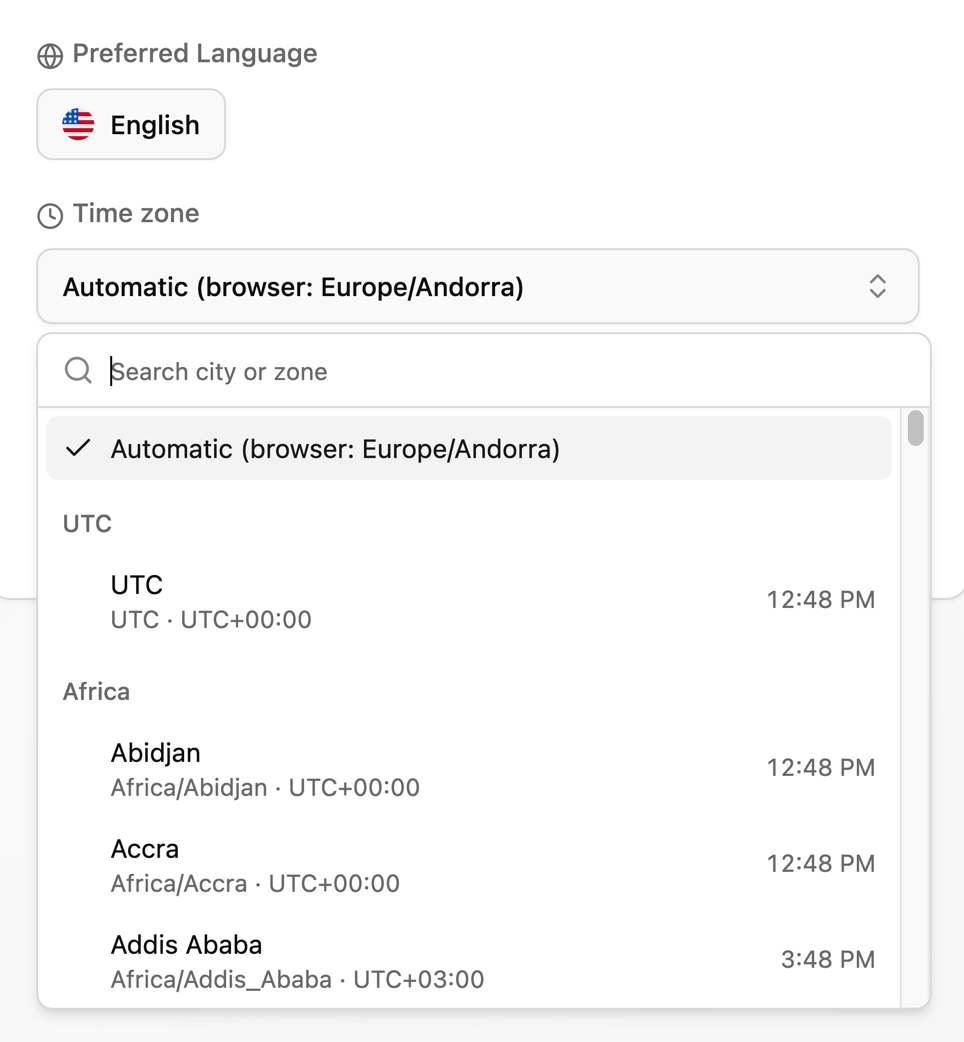
- Automatic by default: until you choose one, the panel uses the time zone of your browser.
- The same on every device: the zone you choose is saved in your account, so your laptop, your phone and any other computer show the same times.
- UTC one click away: in the activity log, tickets and invoices, click the zone next to a date to see it in UTC.
- Billing stays in UTC: invoices, billing periods and daily charts are calculated in UTC, and the panel says so next to them.
Search the list by city or zone. Each one shows its current time, so you can spot yours at a glance.