

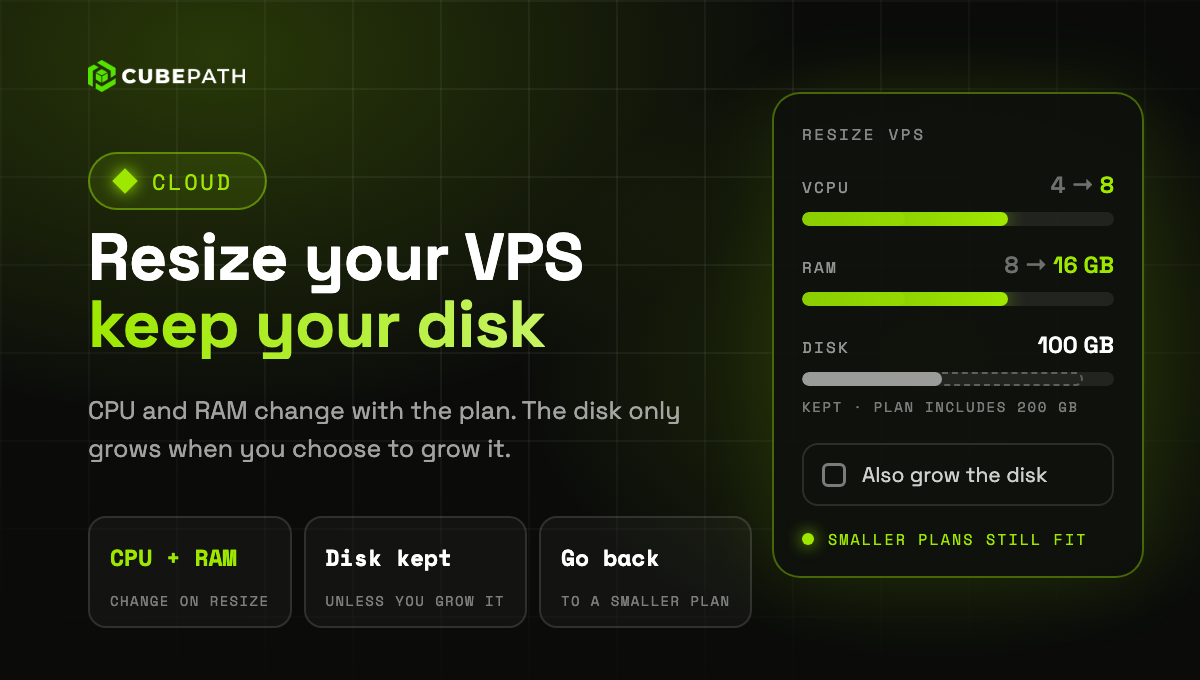
Resizing a VPS now changes only its CPU and RAM. The disk keeps its size unless you choose to grow it, so you can move back to a smaller plan later.
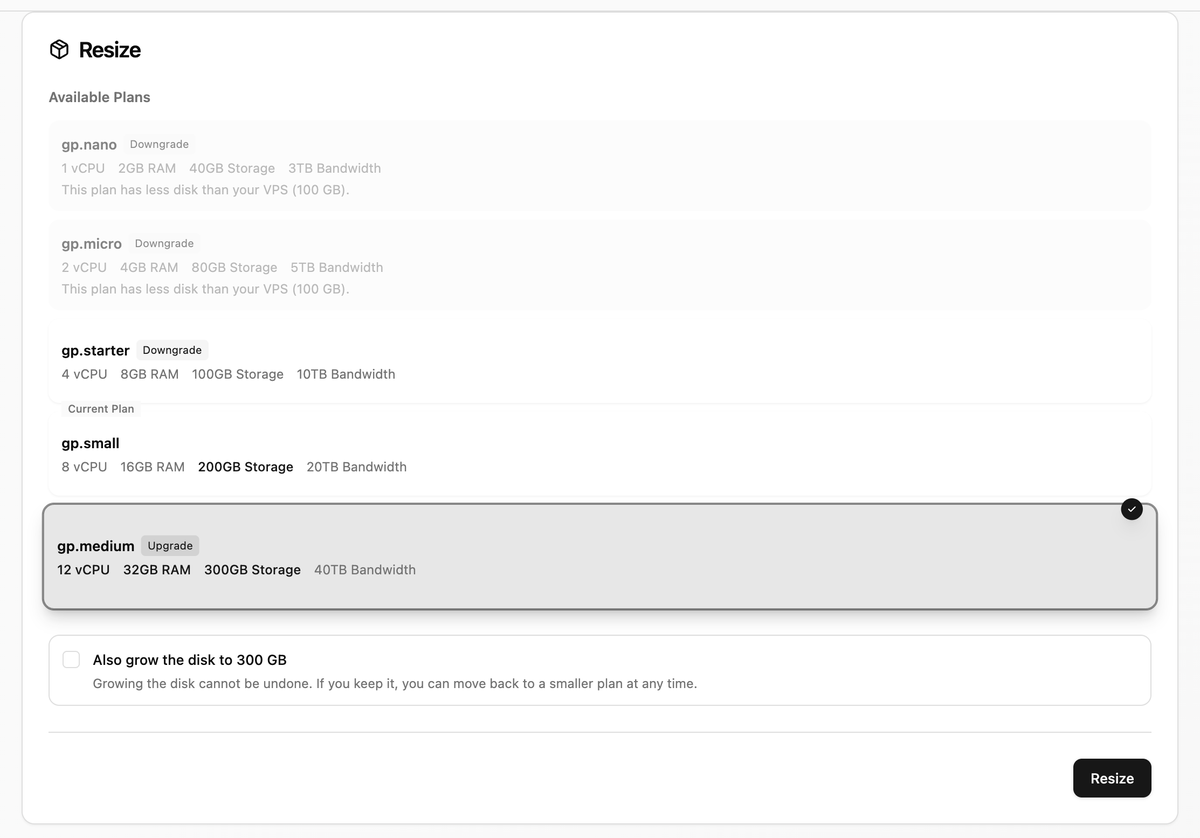
A disk can grow but never shrink, so until now every move to a bigger plan tied the server to it for good. Now:
- The disk stays as it is: pick a bigger plan and the VPS gets its vCPUs and RAM while the disk keeps its size. Tick "Also grow the disk" if you want the space the new plan includes.
- Move back down when you need to: every plan with at least as much disk as your VPS is available, so you can scale up for a busy period and come back down after it.
- Grow the disk later: on your current plan you can grow the disk up to what the plan includes, whenever you want.
Growing the disk cannot be undone, so the panel shows which plans fit your disk and asks before growing it.