The CubePath MCP Server is live and hosted at https://mcp.cubepath.com. There is nothing to install or run locally: point your MCP client at https://mcp.cubepath.com/mcp, authenticate with the token you already have, and connect.
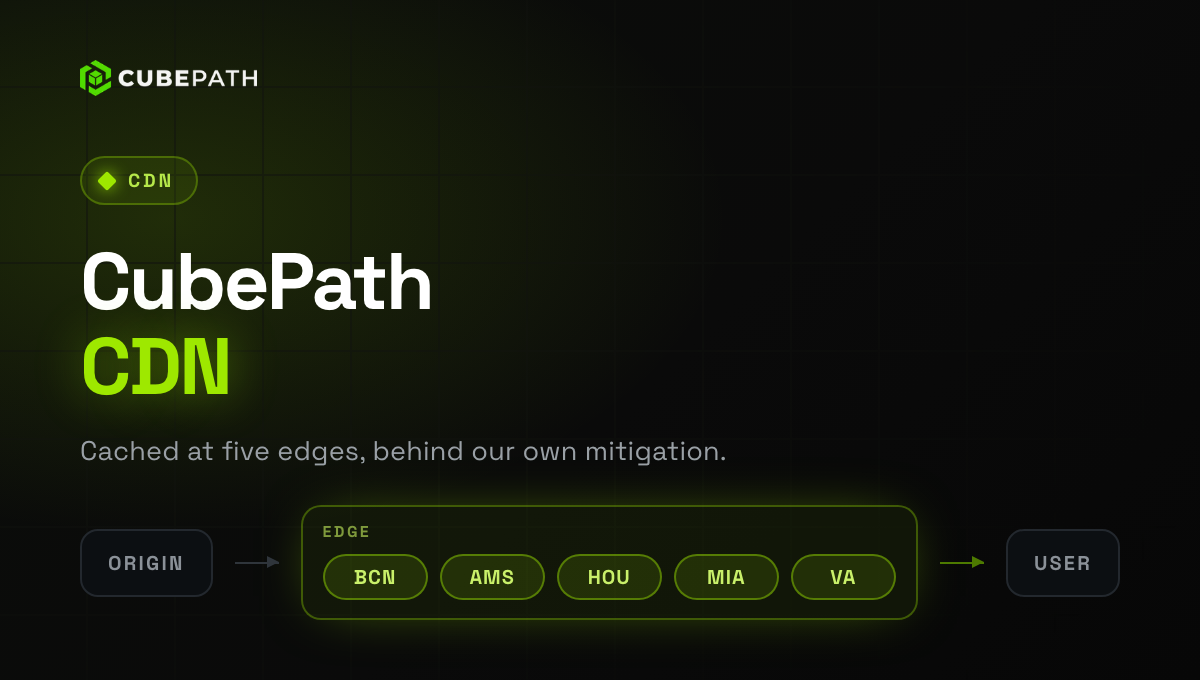
Your agent gets 150 tools covering your whole CubePath account (VPS, baremetal, Kubernetes, load balancers, managed databases, DNS, CDN, private networks, firewalls, floating IPs, alerts and projects), so you can manage your infrastructure in natural language.
Two things worth knowing:
- Your scopes travel with the token. The client only ever sees the tools your token allows, so a read-only token exposes read-only tools and nothing else.
- Every tool says what it is. Each one is annotated as read-only or destructive, so your client can ask you to confirm before a
destroyruns.
→ Set it up at mcp.cubepath.com — copy-paste config for Claude Code, Claude Desktop, Cursor, VS Code, Gemini CLI and Codex CLI.