This guide explains how to acquire and assign a Floating IP from the CubePath user dashboard.
1. Access the Dashboard
- Go to: https://my.cubepath.com
- In the left sidebar, navigate to: Network → Floating IPs
2. Acquire a Floating IP
- Click on “Acquire IP” in the top-right corner

- A panel will open where you need to select:
- IP Type
- Location
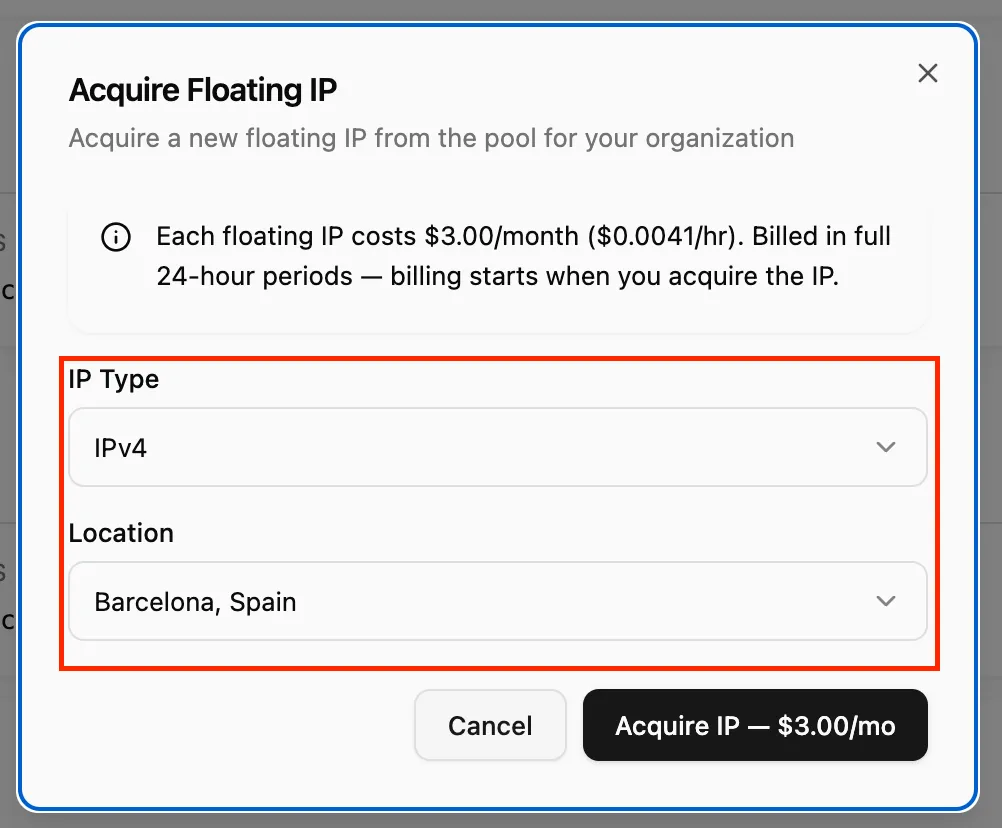
- Complete the process to acquire the IP
⚠️ Floating IPs are billed monthly, not hourly.
3. Assign the IP to Your Server
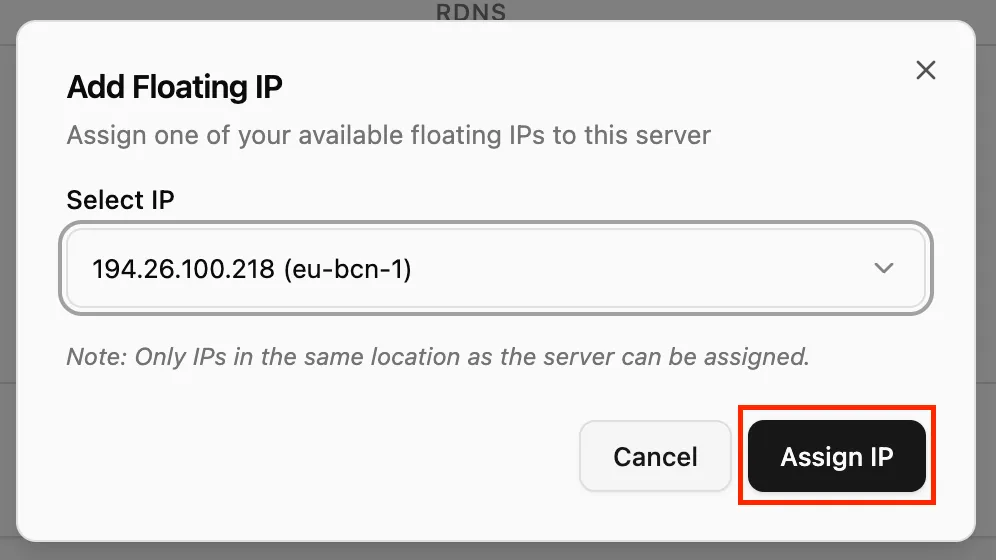
- Once the IP is acquired, go to your server
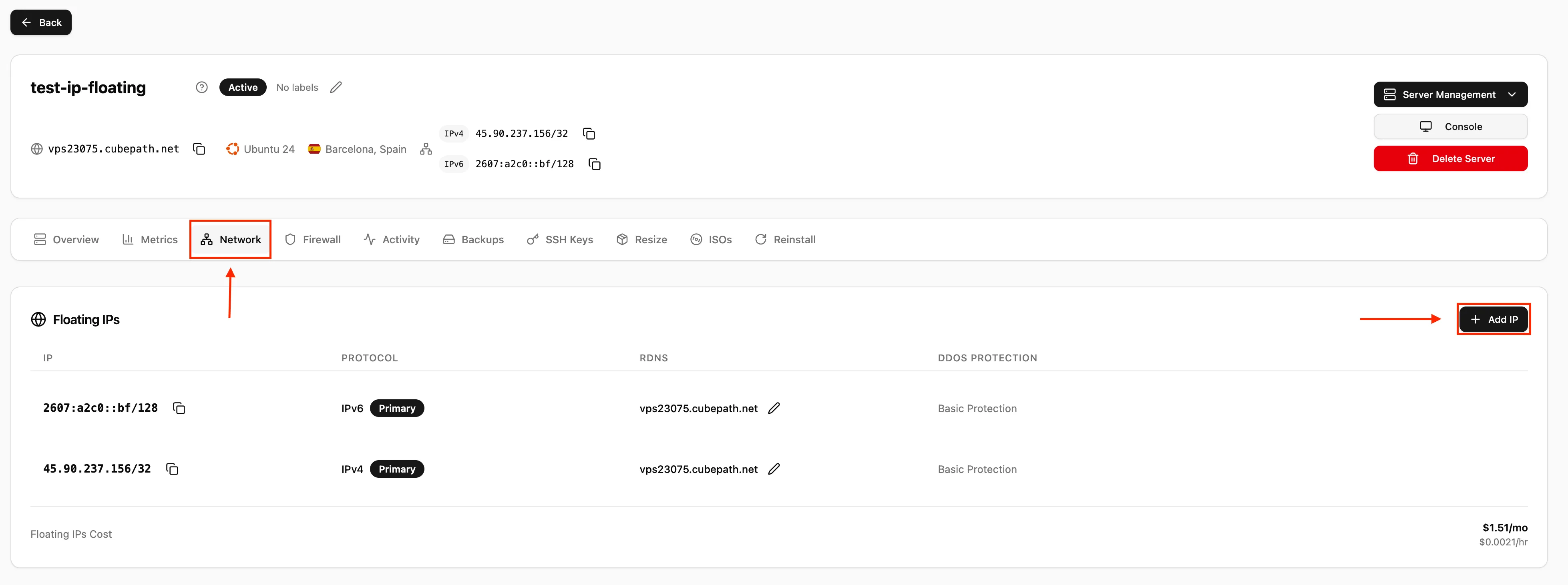
- Configure the network to assign the new Floating IP
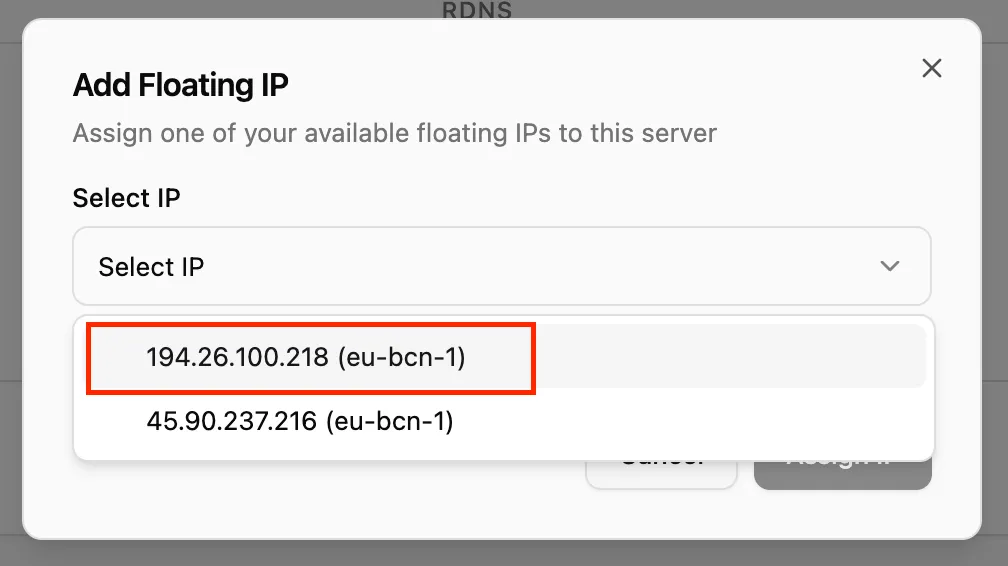
- Restart the server to apply the changes
4. Verify the Configuration
After the restart:
- The Floating IP should be active
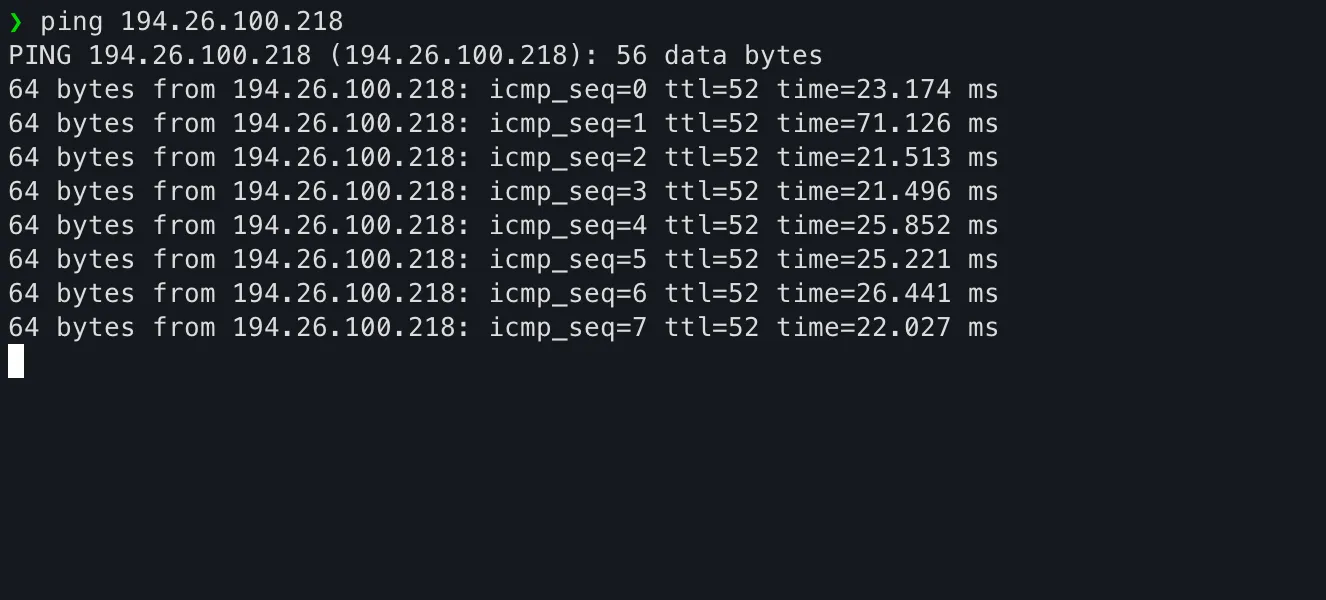
- You can verify it using ping or by connecting directly